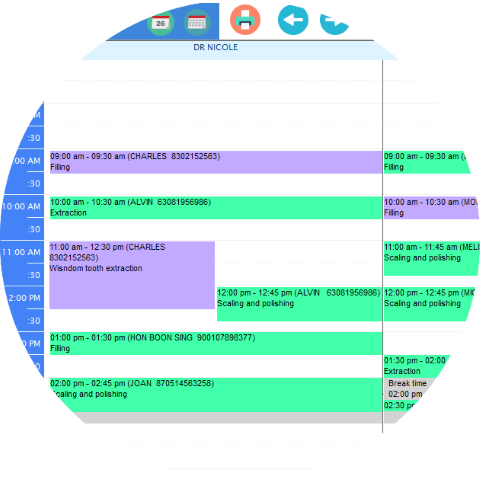
Multi doctor view
To make an appointment in DP is as easy as using Google calendar
If you been using calender on your smart phone, you know how to use DP appointment book.
With the support of drag and drop functions that make you easily edit the appointment in less than 1 minute.
Color makes easy
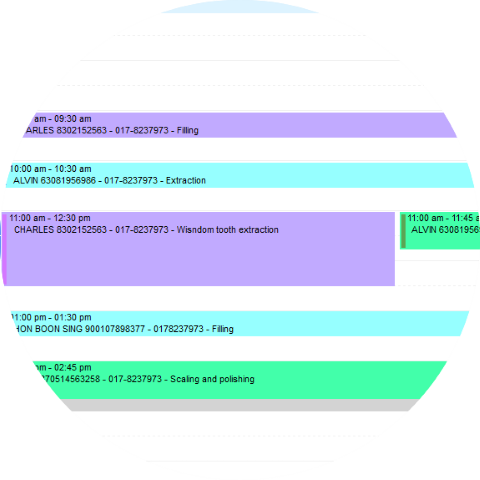
With color, you can easily tells what are the status of the appointment, such as Confirmed, Checked in or Cancel.
You will be able to tell time that doctor is taking break or on leave, and not making any appointment on the slots.
Waiting list
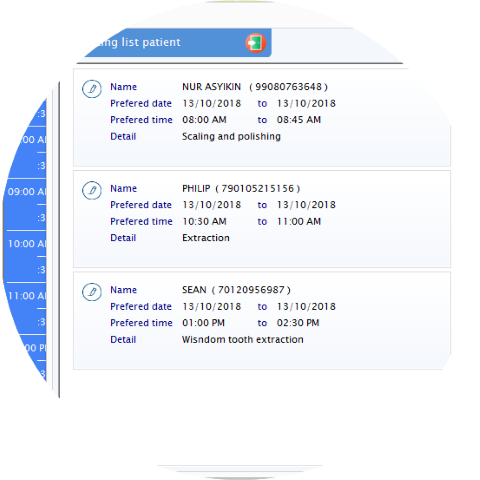
When the slots are full, you can put appointments into waiting list, anytime when the slots are available, simply drag and drop the waiting list patient into appointment book.
You will never missed any appointment anymore.